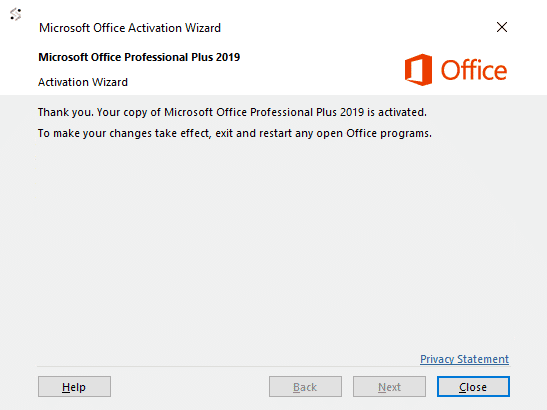





Below is the standard message you will receive to prompt phone activation.
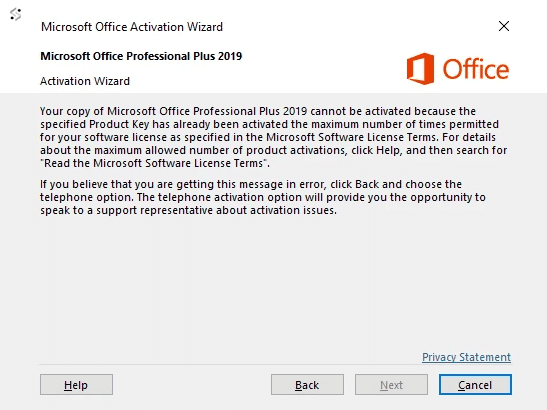
If you have the following error message above when trying to activate office 2019/2016 with your license key please see below.
To start the simple process of activation over the phone please see below
Method 1
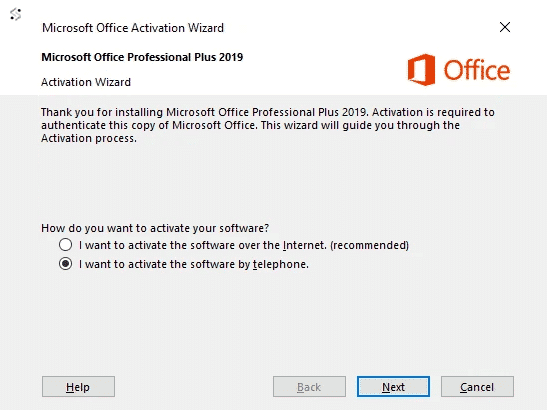
Now click NEXT.
First select your country
Check the example of this windows below
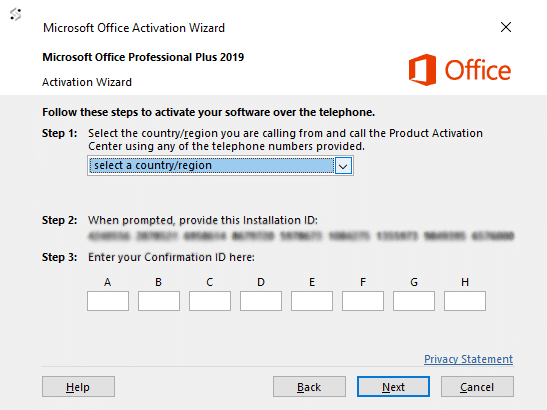
Follow the steps below for how to activate office 2019 via telephone:
1 – Start by calling your chosen number.
2 – Now press option 1 to consent to call recording.
3 – Enter the auto-generated security number if asked on the telephone keypad.
4 – Now press option 3, do NOT press option 2, this will fail activation.
5 – Now press option 1.
Microsoft will now ask for your Installation ID, type it into your telephone keypad carefully.
6 -You will now be asked how many uses, press 0. (The reason we choose 0 as you have not activated this on any PC yet)
7 -The automated system will now verify your Installation ID and generate a Confirmation ID
* (if not see bottom of page)
8 -Type the Confirmation ID into your PC carefully and press next.
9 -Your activation is successful and fully installed on your PC.
10 -now press option 2 on your telephone keypad to complete the activation.
Please see the image below.